50+ Best AI Tools in 2026: Free & Paid Tools Ranked by Category
AI tools are no longer one-size-fits-all. The best choice depends on whether you need research with citations, polished writing, production-ready code, images, video, automation, or a smarter way to work with your own files. This guide ranks 56 of the best free and paid AI tools in 2026 by category. “Free” means there is a usable free tier; “Paid” means its strongest limits, commercial features, or workflow controls require a subscription. Plans and limits change often, so always check the provider before committing.
How we ranked these tools
The rankings consider output quality, ease of use, free-tier usefulness, value for money, integrations, and how well each tool handles real work. A higher rank is not an automatic winner for every user: a writer, designer, student, developer, and marketing team may need completely different stacks.
Best AI chatbots and general assistants
1. ChatGPT — Best overall AI assistant
Free + Paid
ChatGPT remains the most versatile starting point for most people. Use it for brainstorming, drafting, coding help, explanations, planning, analysis, images, and voice-based work. The free tier is useful for occasional work, while paid plans make more sense for frequent, advanced, or business-critical use.
Best for: everyday productivity, ideation, writing, coding, and multimodal work.
2. Claude — Best for thoughtful writing and long documents
Free + Paid
Claude is especially strong when the task needs a calm, structured response: reports, content briefs, document analysis, editing, strategy, and long-context reasoning. Its free plan is suitable for light use, while paid access is better for heavier workloads. Anthropic’s plan guide confirms that a limited free tier remains available.
Best for: writers, researchers, analysts, and teams handling large documents.
3. Google Gemini — Best for Google Workspace users
Free + Paid
Gemini is a practical choice if your day already lives in Gmail, Google Docs, Drive, Sheets, and Calendar. Its multimodal abilities, search-connected responses, and Google integrations make it particularly compelling for students and knowledge workers.
Best for: Google-centric workflows, visual questions, email, and productivity.
4. Microsoft Copilot — Best for Microsoft 365 workflows
Free + Paid
Microsoft Copilot is a natural option for organizations that rely on Word, Excel, PowerPoint, Teams, and Windows. Its biggest advantage is not simply chatbot quality; it is reducing friction inside tools your team already uses.
Best for: Microsoft 365 users and enterprise productivity.
5. Grok — Best for real-time, conversational exploration
Free + Paid
Grok is useful for users who want a direct, fast-moving assistant with real-time context and social-web awareness. It is best treated as a complement to a research tool with citations, rather than your sole source of truth.
Best for: trend exploration, current conversations, and rapid ideation.
6. DeepSeek — Best low-cost reasoning alternative
Free + Paid/API
DeepSeek is worth testing for technical reasoning, coding, and budget-conscious AI use. It has become an important option for users comparing model capabilities rather than committing to a single ecosystem.
Best for: developers, technical users, and cost-sensitive teams.
7. Le Chat — Best European AI alternative
Free + Paid
Mistral’s Le Chat offers a fast, capable alternative for general AI tasks. It is especially worth considering for organizations evaluating model diversity, European vendors, or data-governance options.
Best for: general productivity and model diversification.
8. Meta AI — Best for casual social AI use
Free
Meta AI is convenient inside social and messaging environments. It is useful for lightweight questions, quick creativity, and everyday discovery, though it is not a replacement for specialist research or professional content tools.
Best for: casual use and social-platform assistance.
9. Poe — Best for trying multiple AI models
Free + Paid
Poe lets users access and compare multiple models in one interface. It is helpful when you want to test how different models approach a prompt without maintaining several separate subscriptions.
Best for: model comparison and experimentation.
10. DeepMind — Best for following frontier AI research
Free
DeepMind is not a typical consumer chatbot. It belongs on this list as a key destination for following major advances in AI research, models, scientific applications, and responsible-AI work.
Best for: researchers, AI professionals, and readers tracking frontier developments.
Best AI research and learning tools
11. Perplexity — Best AI search engine
Free + Paid
Perplexity excels at finding information, summarizing it, and showing sources. That makes it more useful than a conventional chatbot when you need a quick, traceable starting point for research. Its paid plans increase access to advanced models and higher-volume research workflows. Perplexity’s current plan documentation details its free and paid options.
Best for: research, market scanning, cited summaries, and fact-checking.
12. NotebookLM — Best for learning from your own sources
Free + Paid ecosystem options
NotebookLM is one of the most useful AI tools for students, researchers, and teams. Upload or connect your material, then ask questions grounded in those sources, generate study guides, create summaries, and explore audio-style overviews.
Best for: research papers, project documentation, exam prep, and internal knowledge bases.
13. Elicit — Best for literature reviews
Free + Paid
Elicit helps users find, organize, and synthesize academic research. It is particularly helpful for turning a broad question into a structured literature review.
Best for: academic research and evidence reviews.
14. Consensus — Best for evidence-based answers
Free + Paid
Consensus focuses on surfacing answers from scientific research rather than general web content. It is valuable when the question has an empirical answer and source quality matters.
Best for: health, science, business, and academic questions.
15. SciSpace — Best for understanding research papers
Free + Paid
SciSpace makes dense papers more approachable with explanations, summaries, citation tools, and PDF chat features.
Best for: students and researchers reading technical papers.
16. Wolfram|Alpha — Best for calculations and technical facts
Free + Paid
Wolfram|Alpha remains valuable for mathematics, engineering, science, data, and computable knowledge. Use it alongside a language model when precision matters.
Best for: math, statistics, science, and structured computation.
17. You.com — Best AI search alternative
Free + Paid
You.com combines AI answers, web search, and productivity tools. It is worth trying if you want a search-first experience with more control over how results are presented.
Best for: research and web-assisted productivity.
Best AI writing and content tools
18. Jasper — Best for marketing teams
Paid
Jasper is built around brand-aware marketing workflows, campaign content, templates, and team controls. It is best suited to organizations producing content at scale.
Best for: marketing teams and brand content.
19. Copy.ai — Best for sales and go-to-market content
Free + Paid
Copy.ai is designed for sales, marketing, and repeatable content workflows. Its templates and automation-oriented approach help teams move from prompts to operational processes.
Best for: sales enablement, outbound messaging, and marketing copy.
20. Grammarly — Best for polishing business writing
Free + Paid
Grammarly remains a simple, reliable layer for grammar, clarity, tone, and rewrites. It will not replace a full AI assistant, but it is easy to adopt across everyday writing.
Best for: emails, reports, client communication, and editing.
21. Sudowrite — Best for fiction writers
Paid
Sudowrite is purpose-built for creative writing. It can help with scene expansion, description, brainstorming, character ideas, and overcoming blank-page anxiety.
Best for: novelists, screenwriters, and creative writers.
22. Writesonic — Best for SEO content workflows
Free + Paid
Writesonic combines AI writing with SEO-oriented features. It is useful for marketers who need drafts, outlines, landing-page copy, and content briefs in one place.
Best for: SEO teams and content marketers.
23. Anyword — Best for performance-focused copywriting
Paid
Anyword focuses on marketing copy and prediction-oriented messaging. It is a strong choice for teams testing ads, landing pages, and conversion-focused content.
Best for: paid media and conversion copy.
24. QuillBot — Best for paraphrasing and academic editing
Free + Paid
QuillBot is useful for simplifying, paraphrasing, summarizing, and improving drafts. Use it as an editing aid, not as a substitute for original thinking or source attribution.
Best for: students and everyday editing.
25. Rytr — Best budget writing assistant
Free + Paid
Rytr provides simple templates and quick content generation for users who need an affordable tool for lighter writing tasks.
Best for: short-form copy and beginners.

Best AI image and design tools
26. Midjourney — Best for artistic AI images
Paid
Midjourney continues to be a top pick for stylized, polished, and visually distinctive imagery. It is ideal when artistic direction matters more than editing an existing design layer by layer. Midjourney now also supports video generation in its plans, though usage varies by tier. Its video documentation outlines those plan-dependent capabilities.
Best for: concept art, campaigns, product visuals, and editorial images.
27. DALL·E / ChatGPT Images — Best for conversational image creation
Free + Paid
For users who want to create and refine an image through natural conversation, ChatGPT’s image tools are exceptionally accessible. It is a good choice for quick concepts, illustrations, social assets, and iterative edits.
Best for: prompt-based ideation and image revisions.
28. Leonardo AI — Best for game and asset creation
Free + Paid
Leonardo AI offers controls that make it attractive for creators producing game assets, illustrations, characters, and repeatable visual styles.
Best for: game designers, digital artists, and asset workflows.
29. Adobe Firefly — Best for commercial design workflows
Free + Paid
Firefly is especially useful for designers already working in Adobe applications. Its value comes from integrating generative capabilities into established creative workflows.
Best for: Photoshop, Illustrator, and commercial creative teams.
30. Canva Magic Studio — Best for non-designers
Free + Paid
Canva makes AI design approachable for people who need presentations, social graphics, simple videos, and branded marketing assets without learning professional design software.
Best for: small businesses, creators, and social teams.
31. Ideogram — Best for image text and poster-style graphics
Free + Paid
Ideogram is particularly useful for designs that need legible typography, logos, posters, and text-forward visual concepts.
Best for: ad concepts, posters, thumbnails, and social graphics.
32. Flux — Best open-model image ecosystem
Free + Paid/API
Flux is a strong choice for users who want access to powerful image-generation models through different platforms, APIs, or self-hosted workflows.
Best for: developers and creators who want flexibility.
33. Remove.bg — Best for instant background removal
Free + Paid
Remove.bg handles a focused task extremely well: quickly separating a subject from its background. It is a practical production tool rather than a broad creative suite.
Best for: ecommerce, headshots, and product photography.

Best AI video and audio tools
34. Runway — Best AI video generator
Free + Paid
Runway is one of the strongest all-around choices for generative video, video transformation, editing, and creative experimentation. The free tier is useful for testing, while serious video work generally requires credits or a subscription. Runway’s plan guide explains the limits and exports available by plan.
Best for: marketers, filmmakers, creative teams, and video experiments.
35. Sora — Best for cinematic prompt-to-video exploration
Paid / access-dependent
Sora is designed for generating visually rich video from text and image prompts. It is most useful for storyboarding, concepts, social clips, and creative exploration.
Best for: cinematic concepts and visual storytelling.
36. Pika — Best for fast social video creation
Free + Paid
Pika offers an accessible route to short, dynamic AI video clips and effects, making it popular for social-first content.
Best for: short-form video and creative experiments.
37. Synthesia — Best for AI avatar videos
Paid
Synthesia creates presenter-style videos without traditional filming. It is especially useful for training, onboarding, product explainers, and internal communications.
Best for: corporate training and explainer videos.
38. HeyGen — Best for avatar localization and translation
Free + Paid
HeyGen is a popular choice for avatar-led videos, translation, and multilingual communication workflows.
Best for: global marketing, localization, and spokesperson videos.
39. Descript — Best for editing audio and video by editing text
Free + Paid
Descript makes podcast and video production easier by treating spoken words like editable text. It is a powerful tool for creators who need to remove filler words, edit clips, and repurpose recordings.
Best for: podcasts, interviews, and creator workflows.
40. ElevenLabs — Best AI voice generation
Free + Paid
ElevenLabs is a leading tool for natural-sounding synthetic voice, narration, and multilingual audio. Always obtain appropriate rights and consent before cloning or publishing a voice.
Best for: narration, dubbing, accessibility, and voiceovers.
41. Suno — Best for AI music generation
Free + Paid
Suno lets users generate songs and music from prompts. It is useful for sketches, background tracks, and rapid musical ideation; verify commercial-use terms before publishing.
Best for: creators and music concepting.
42. Adobe Podcast — Best for improving spoken audio
Free + Paid
Adobe Podcast is a straightforward choice for cleaning up voice recordings and improving speech clarity.
Best for: podcasters, remote interviews, and video creators.
Best AI coding and developer tools
43. Replit — Best for building apps with AI
Free + Paid
Replit helps users go from an app idea to code, hosting, iteration, and deployment in a browser-based workspace. It is particularly valuable for non-developers and fast-moving teams. Replit offers a free mode, while larger builds and usage can incur paid costs. Replit’s product page describes its free access and app-building workflow.
Best for: founders, students, prototyping, and browser-based development.
44. GitHub Copilot — Best AI pair programmer
Free + Paid
GitHub Copilot works where developers work: inside the editor and GitHub ecosystem. It assists with completions, explanations, edits, agent-style work, and reviews. GitHub offers a Copilot Free plan, with paid plans for higher limits and business features. GitHub’s Copilot documentation provides current details.
Best for: professional developers using VS Code, JetBrains, Visual Studio, or GitHub.
45. Cursor — Best AI-native coding editor
Free + Paid
Cursor is an AI-focused code editor that supports repository-aware chat, edits, and agentic workflows. It is popular with developers who want AI integrated deeply into the coding environment.
Best for: software developers working across larger codebases.
46. Windsurf — Best for agentic coding workflows
Free + Paid
Windsurf focuses on AI-assisted development that understands the project context and can take multi-step coding actions.
Best for: developers who want more autonomous coding help.
47. Amazon Q Developer — Best for AWS developers
Free + Paid
Amazon Q Developer is worth considering for teams building and operating software on AWS.
Best for: cloud development and AWS-heavy organizations.
48. v0 — Best for UI generation
Free + Paid
v0 is built for generating web interfaces from natural-language prompts. It is especially effective for quickly producing React-style UI concepts and implementation starting points.
Best for: frontend developers and product teams.
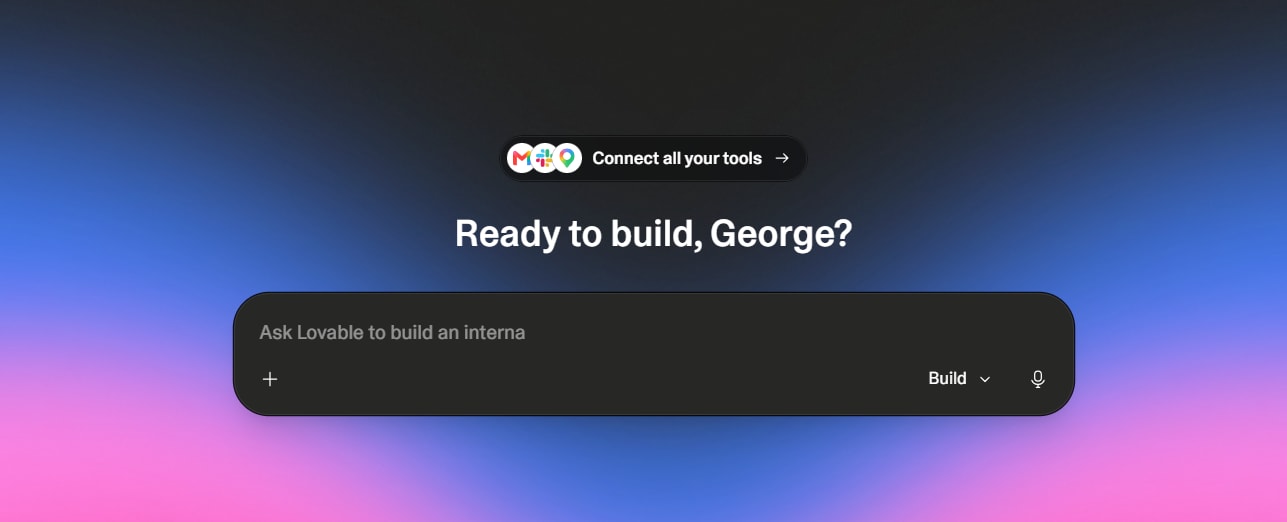
49. Lovable — Best for no-code web-app prototypes
Free + Paid
Lovable helps users describe and create web applications with AI. It is useful for validating ideas before investing in a full engineering cycle.
Best for: founders, product managers, and rapid prototypes.
Best AI productivity and automation tools
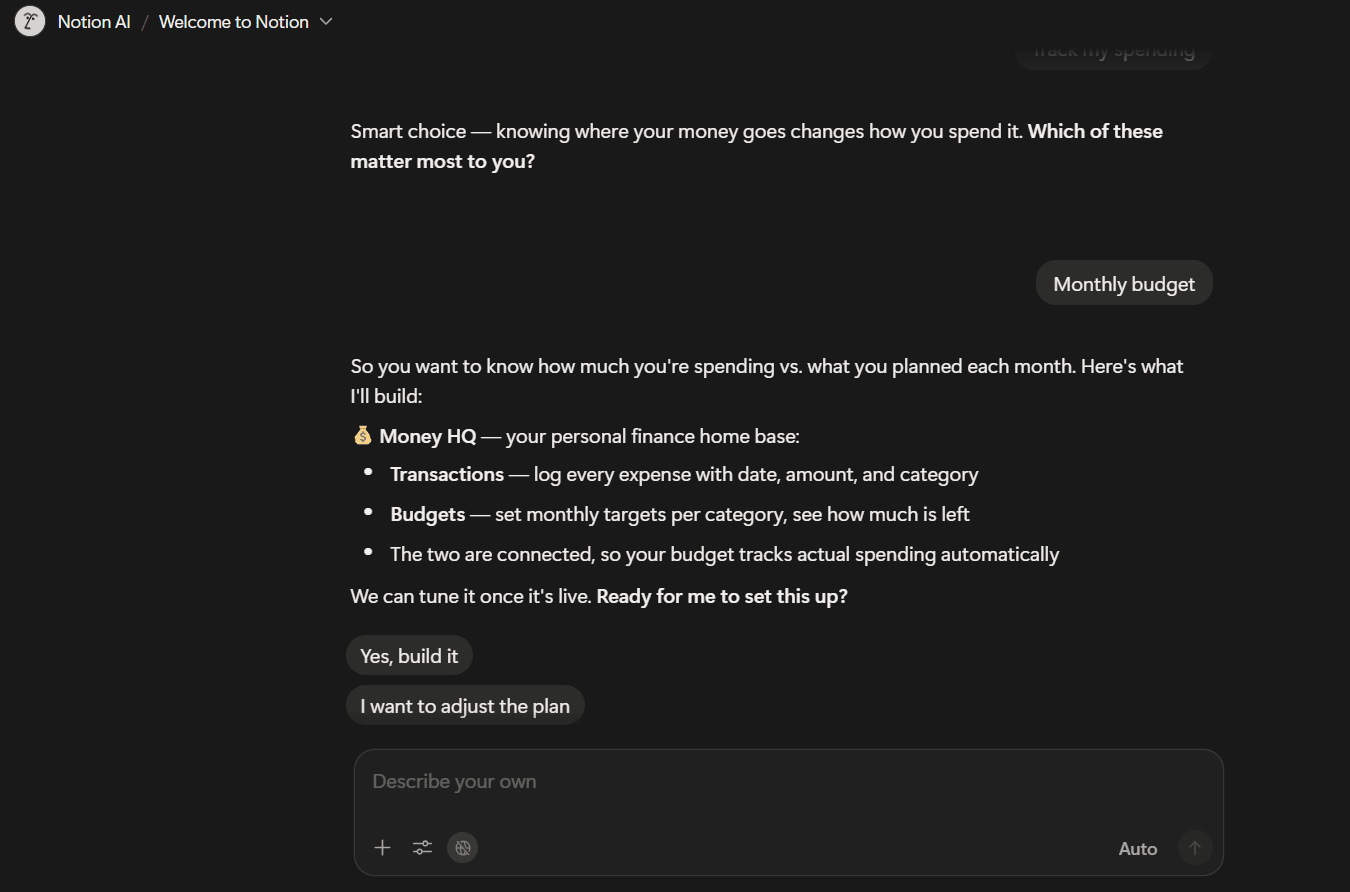
50. Notion AI — Best for AI inside a workspace
Paid add-on / plan-dependent
Notion AI brings writing, summaries, database assistance, and knowledge retrieval into a workspace many teams already use. Its value increases as your documentation becomes more organized.
Best for: project documentation, team knowledge, and planning.
51. Zapier AI — Best for business automation
Free + Paid
Zapier AI helps connect applications and automate repeatable work. It is particularly useful when AI needs to trigger an action rather than only generate a response.
Best for: lead handling, notifications, operations, and workflow automation.
52. Make — Best for visual automation building
Free + Paid
Make is a flexible visual automation platform for connecting apps, APIs, and data flows. It suits users who need more control than basic trigger-and-action automations.
Best for: operations teams and complex workflows.
53. n8n — Best for technical and self-hosted automation
Free + Paid
n8n offers extensive control over automation workflows and is a strong option for developers or privacy-conscious teams who want self-hosting possibilities.
Best for: technical teams and custom integrations.
54. Otter.ai — Best for meeting transcription
Free + Paid
Otter.ai transcribes meetings and makes conversations searchable, helping users turn calls into notes and follow-up actions.
Best for: meeting capture and team notes.
55. Fireflies.ai — Best for meeting intelligence
Free + Paid
Fireflies records, transcribes, summarizes, and organizes meeting content. It is helpful for sales, recruiting, and customer-success teams.
Best for: meeting summaries and searchable conversations.
56. Gamma — Best for AI presentations and documents
Free + Paid
Gamma creates presentation-style documents, web pages, and decks from prompts. It is an excellent choice when speed matters more than pixel-perfect manual slide design.
Best for: proposals, presentations, and client-ready drafts.
Free vs. paid AI tools: which should you choose?
Start free if you are exploring, learning, or using AI occasionally. Free plans are now capable enough for many everyday tasks, including general chat, research, basic coding, image experiments, and meeting summaries.
Pay when AI is part of your regular workflow. A subscription is usually worth it if you repeatedly hit limits, need advanced models, require commercial features, need more reliable speed, or use team and privacy controls.
A sensible starter stack in 2026 is:
ChatGPT for broad everyday work.
Perplexity for research with citations.
Google Gemini if you work in Google Workspace.
Claude for long-form analysis and writing.
NotebookLM for source-grounded learning.
Replit or GitHub Copilot for coding.
Midjourney or Leonardo AI for images.
Runway for AI video.