15 Best Free AI Tools in 2026 (No Credit Card Required)
Discover 15 of the best free AI tools in 2026 that you can use without a credit card. Find free AI tools for writing, coding, design, research, images, video, and productivity.
15 Best Free AI Tools in 2026 (No Credit Card Required)
Artificial intelligence is no longer limited to expensive software or technical experts. In 2026, students, creators, developers, marketers, and small businesses can use many powerful AI tools for free without entering credit-card details.
From writing blog posts and researching topics to creating videos, improving grammar, generating images, and organizing notes, free AI tools can save a surprising amount of time.
The important thing is to choose the right tool for the job. One AI assistant may be excellent for research, while another is better for writing, visuals, or coding.
Here are 15 useful free AI tools you can start using in 2026.
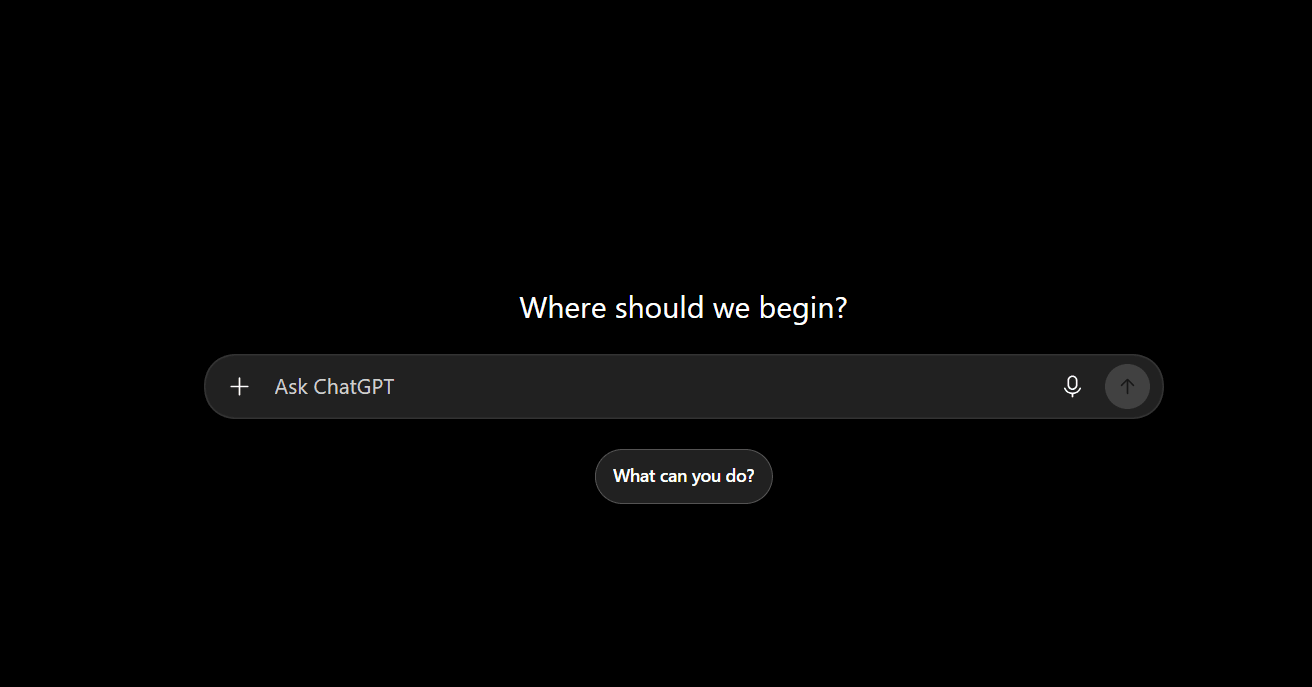
1. ChatGPT
Best for: Writing, brainstorming, learning, coding help, and everyday questions
ChatGPT remains one of the most useful free AI tools for daily work. You can ask it to explain difficult topics, create outlines, rewrite text, generate ideas, summarize information, and assist with programming.
For bloggers, it can help create article structures, title ideas, FAQs, meta descriptions, and social-media captions. Developers can use it to understand errors, write functions, and learn new concepts.
The free version has usage limits, but it is enough for many normal tasks.
Useful features:
Content ideas and outlines
Code explanations and debugging help
Summaries of long text
Image and file assistance on supported limits
Learning support for students
Website: https://aiwedia.com/tool/ai-tools/chatgpt-directory
2. Google Gemini
Best for: Google users, research, writing, and productivity
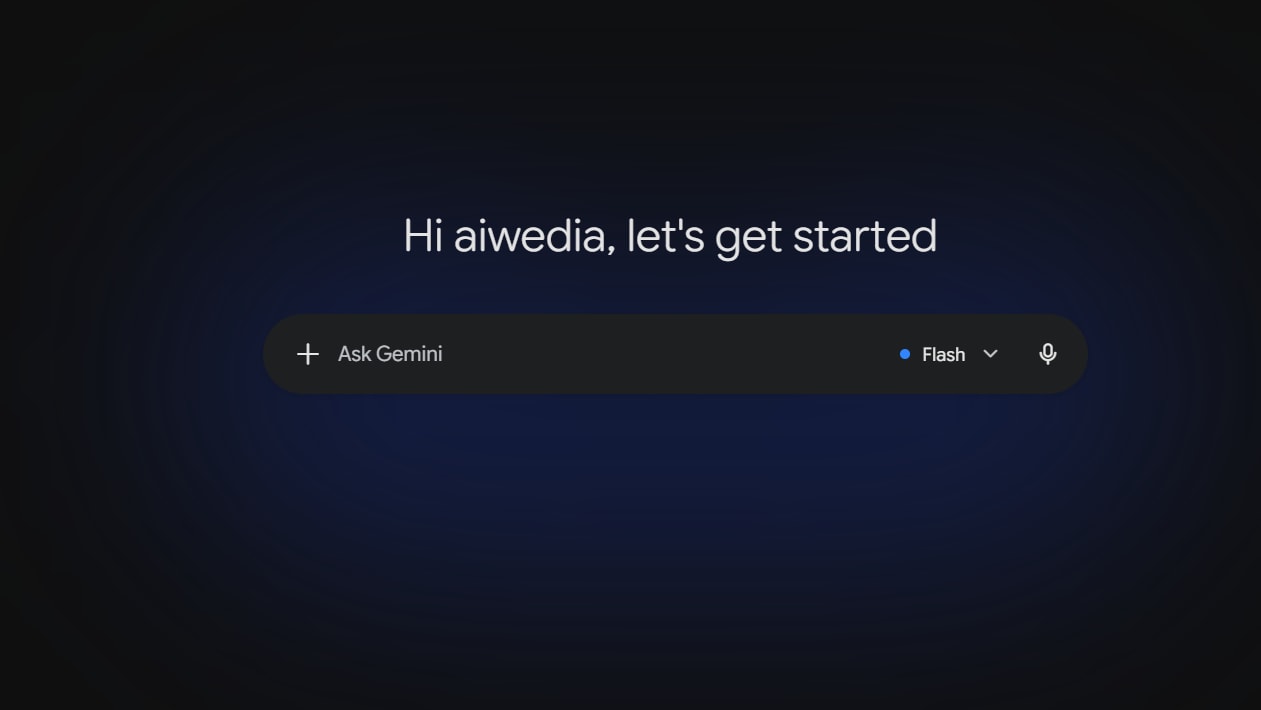
Google Gemini is a strong free AI assistant, especially for people who already use Gmail, Google Docs, Google Drive, and Android devices.
It can answer questions, help draft emails, generate ideas, summarize content, and explain subjects in simple language. Gemini is also useful when you want a second opinion after using another AI chatbot.
Its connection with Google’s ecosystem makes it convenient for everyday work.
Useful features:
Writing and rewriting
Research assistance
Email drafts
Study support
Google ecosystem integration
Website: https://aiwedia.com/tool/ai-tools-usa-2026/gemini-usa
3. Claude
Best for: Clear writing, long documents, and thoughtful explanations
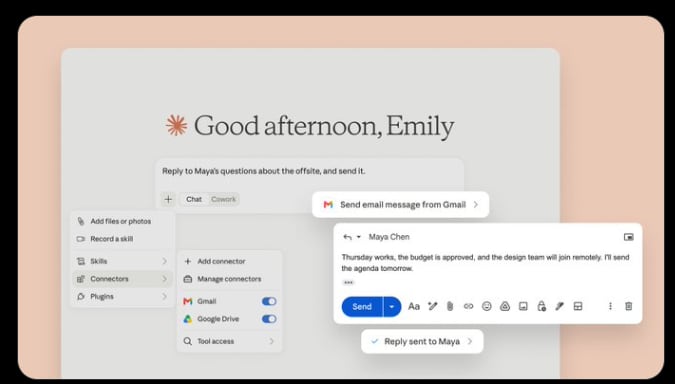
Claude is widely liked for its natural writing style and ability to handle long text. It is useful when you need to improve an article, understand a document, create a detailed plan, or turn rough notes into readable content.
Many writers use Claude for polishing language because its responses often feel calm, organized, and easy to read.
The free version has message limits, but it is still valuable for writing-focused work.
Useful features:
Article improvement
Long-text summaries
Professional writing
Brainstorming and planning
Clear explanations
Website: https://aiwedia.com/tool/ai-chatbots/claude-ai
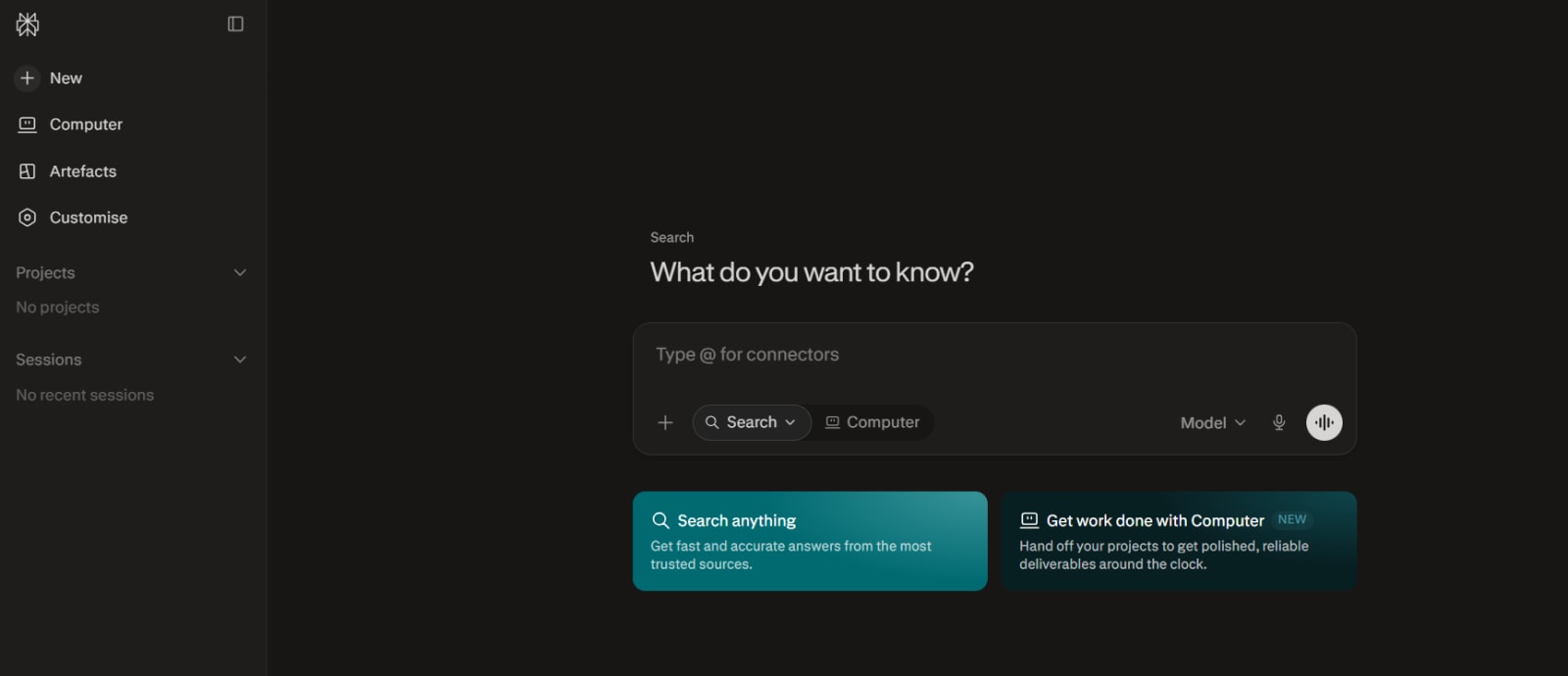
4. Perplexity
Best for: Research with sources
Perplexity works like an AI-powered search engine. Instead of showing only a list of web pages, it provides a direct answer and usually includes links to the sources it used.
This makes it helpful for bloggers, students, journalists, and anyone who wants to research before writing. You should still open and verify important sources, but Perplexity can make the first stage of research much faster.
Useful features:
Web-based answers
Source links and citations
Topic research
Quick comparisons
Current-event summaries
Website:https://aiwedia.com/tool/ai-research-tools/perplexity
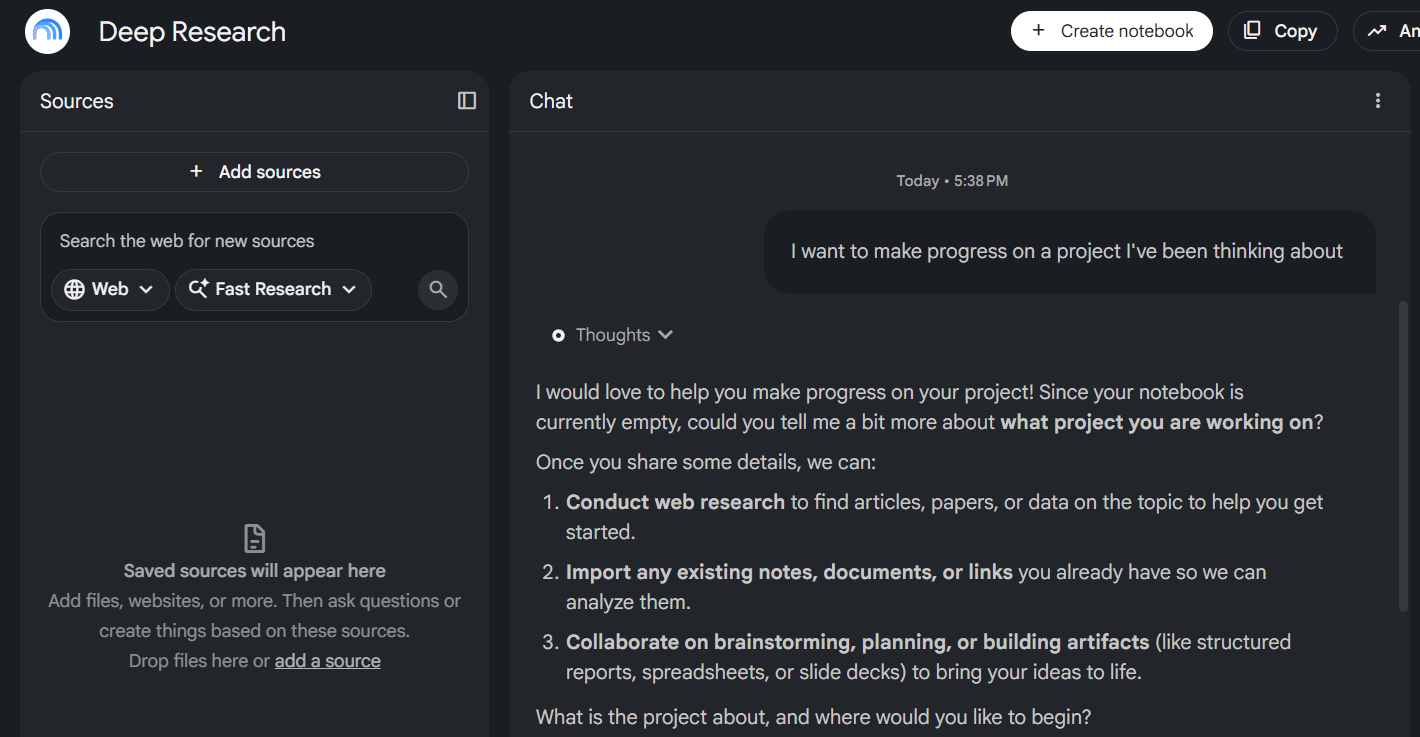
5. NotebookLM
Best for: Studying PDFs, notes, and research documents
NotebookLM is especially useful when you have your own material to understand. You can add documents, notes, copied text, and supported sources, then ask questions based on that content.
For example, a student can upload class notes and ask for revision questions. A business owner can add reports and ask for a summary. A blogger can upload research documents and identify important points before writing.
It is more useful for working with your own sources than for general internet searching.
Useful features:
Document summaries
Questions based on uploaded material
Study guides
Research organization
Audio-style overviews on supported plans
Website: https://aiwedia.com/tool/ai-podcast-tools/notebooklm-free
6. Microsoft Copilot
Best for: Everyday productivity and web assistance
Microsoft Copilot is a free AI assistant that can help with writing, answering questions, planning, and generating ideas. It is especially convenient for Windows users and people who use Microsoft Edge or Microsoft 365 tools.
You can use it for travel ideas, email drafts, summaries, simple coding help, and creative writing.
Useful features:
General AI chat
Writing suggestions
Travel and planning help
Quick research
Windows and Edge integration
Website: https://aiwedia.com/tool/ai-tools-usa-2026/copilot-usa
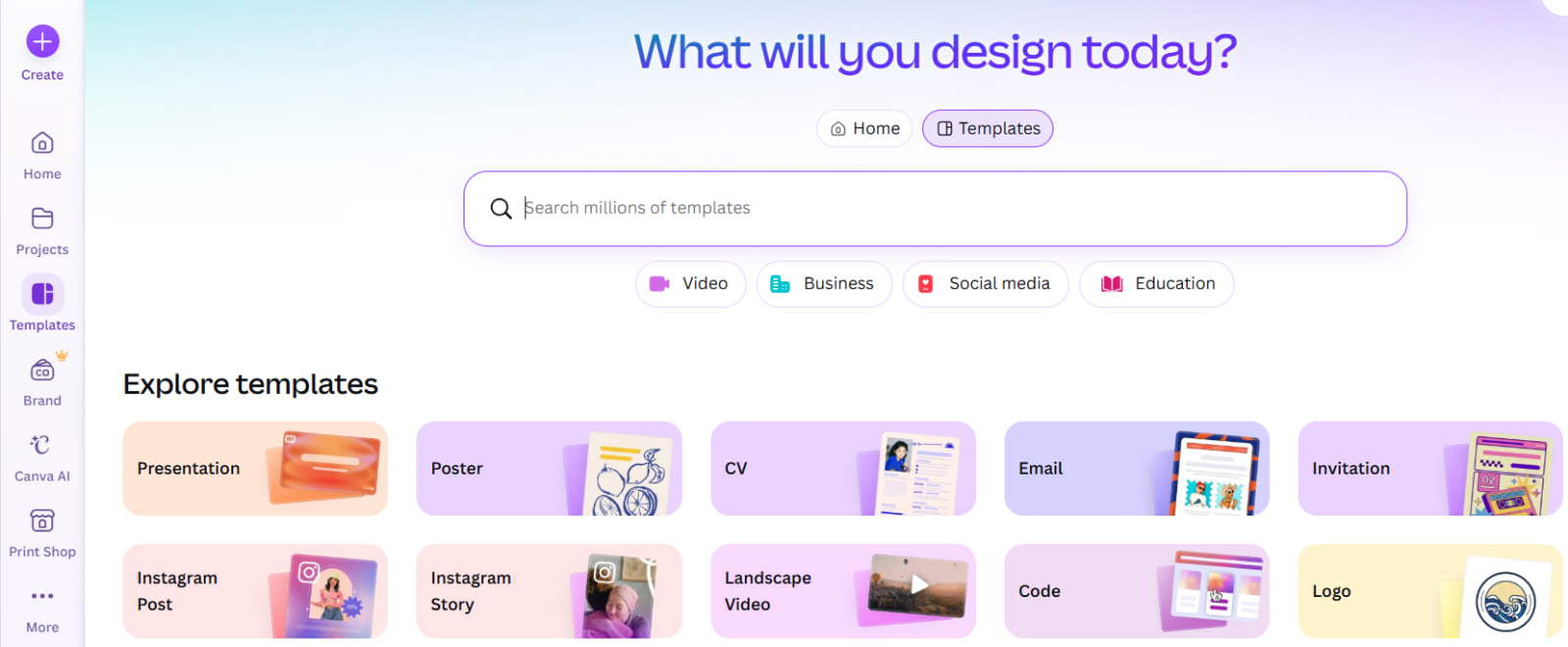
7. Canva Magic Studio
Best for: Social-media graphics, presentations, and quick designs
Canva is already popular for simple graphic design, and its AI features make it even easier for beginners. Canva Magic Studio can help generate design ideas, create social-media visuals, remove backgrounds, write short copy, and speed up presentation creation.
The free version includes limited AI access, but it is still useful for creating thumbnails, Instagram posts, banners, and basic marketing materials.
Useful features:
Social-media post design
Presentation creation
AI writing support
Background removal on limited access
Quick visual templates
Website: https://aiwedia.com/tool/ai-thumbnail-design-tools/canva-thumbnails
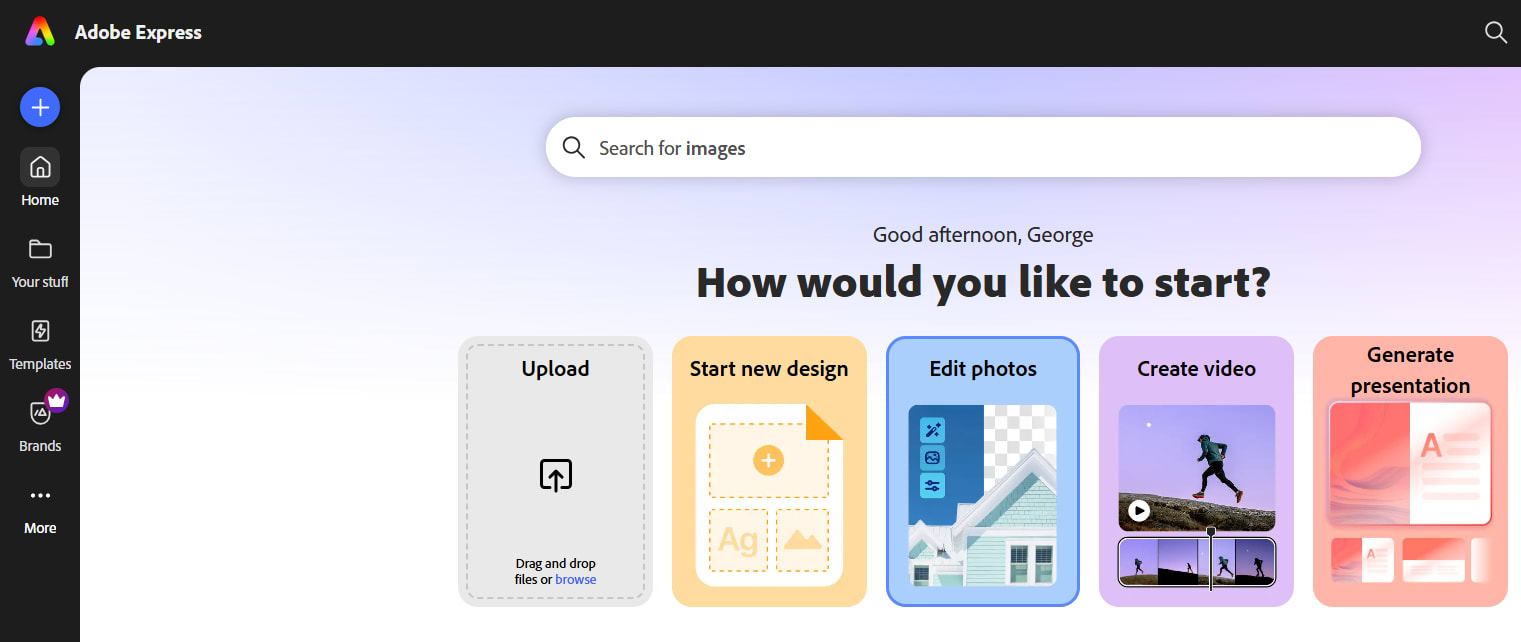
8. Adobe Express
Best for: Fast posters, flyers, short videos, and branded content
Adobe Express gives beginners an easy way to create visual content without learning complex design software. Its AI-powered features can support image creation, text effects, social posts, and video editing.
It is a good option for small businesses and creators who want polished designs quickly.
Useful features:
Poster and flyer templates
Short-form video editing
Social-media content
AI design support
Brand-ready visual assets
Website: https://aiwedia.com/tool/ai-thumbnail-design-tools/adobe-express-thumbnails
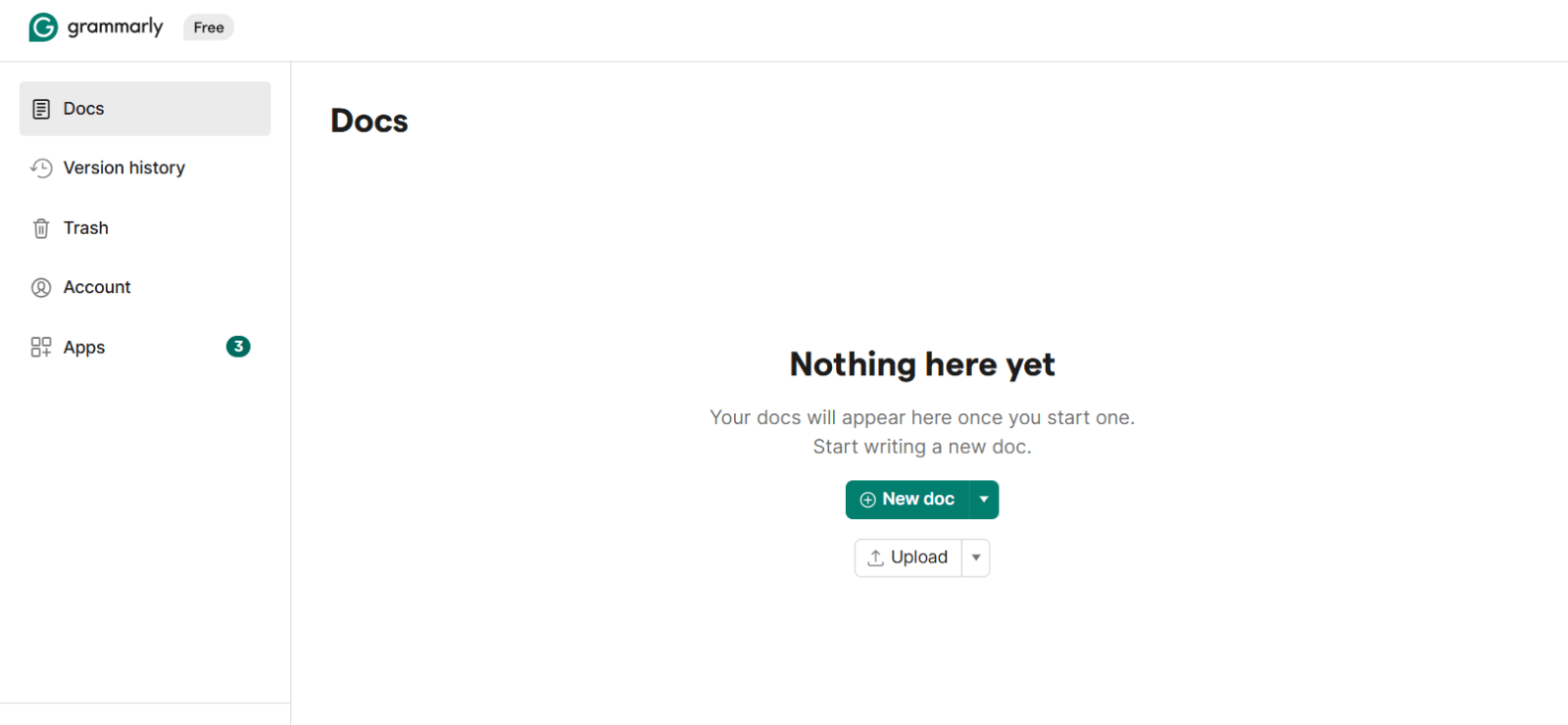
9. Grammarly
Best for: Grammar correction and professional writing
Grammarly is one of the most practical AI writing tools for everyday use. It checks spelling, grammar, punctuation, clarity, and tone while you write.
It is useful for emails, resumes, blog posts, LinkedIn messages, and work documents. The free version covers basic writing improvements, while some advanced suggestions are reserved for paid users.
Useful features:
Grammar checks
Spelling correction
Sentence clarity
Tone suggestions
Browser extension
Website: https://aiwedia.com/tool/ai-tools/grammarly-ai
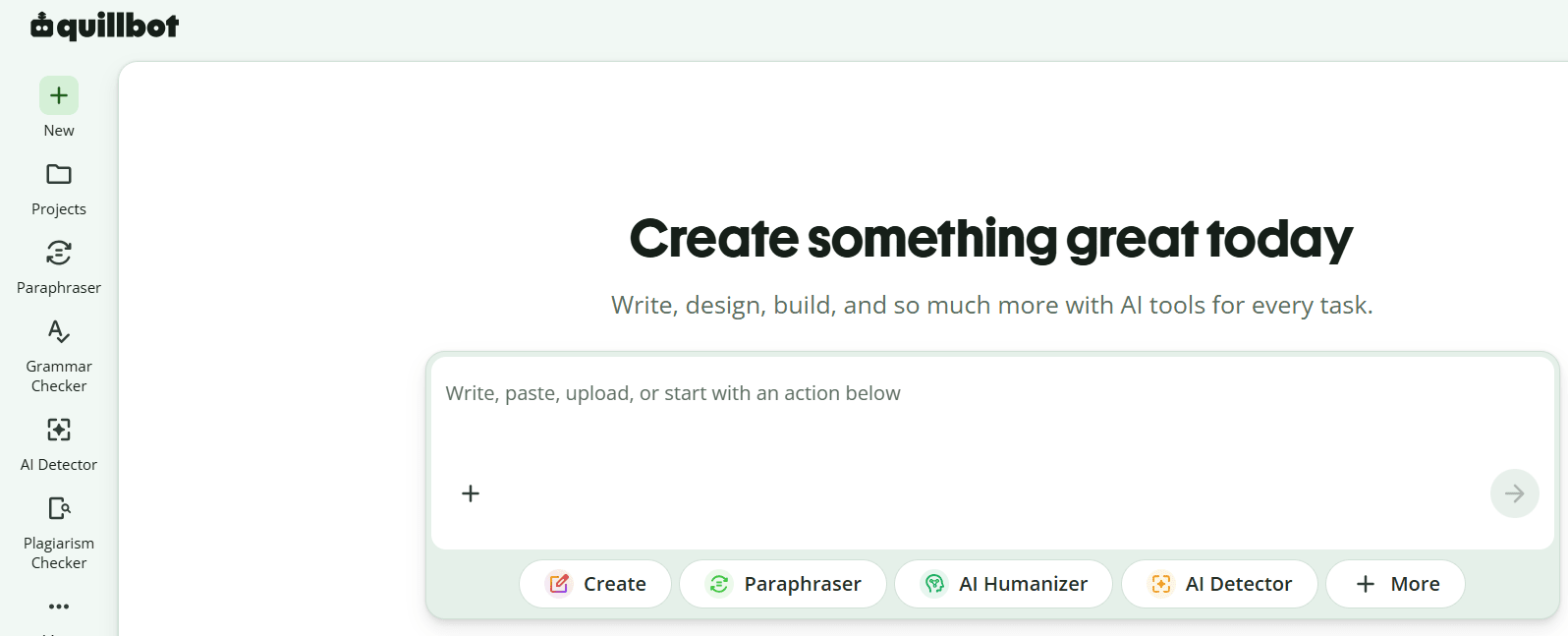
10. QuillBot
Best for: Paraphrasing and simplifying text
QuillBot is useful when you want to rewrite a sentence in a clearer or different style. It can help simplify complicated language, improve readability, and create alternative wording.
However, do not use it to copy someone else’s article and only change a few words. Use it to improve your own draft, understand writing options, or make your content easier for readers to understand.
Useful features:
Paraphrasing
Grammar checking
Summarizing
Sentence rewriting
Multiple writing modes
Website: https://aiwedia.com/tool/ai-writing-tools/quillbot
11. DeepL Write
Best for: Polishing English and improving sentence quality
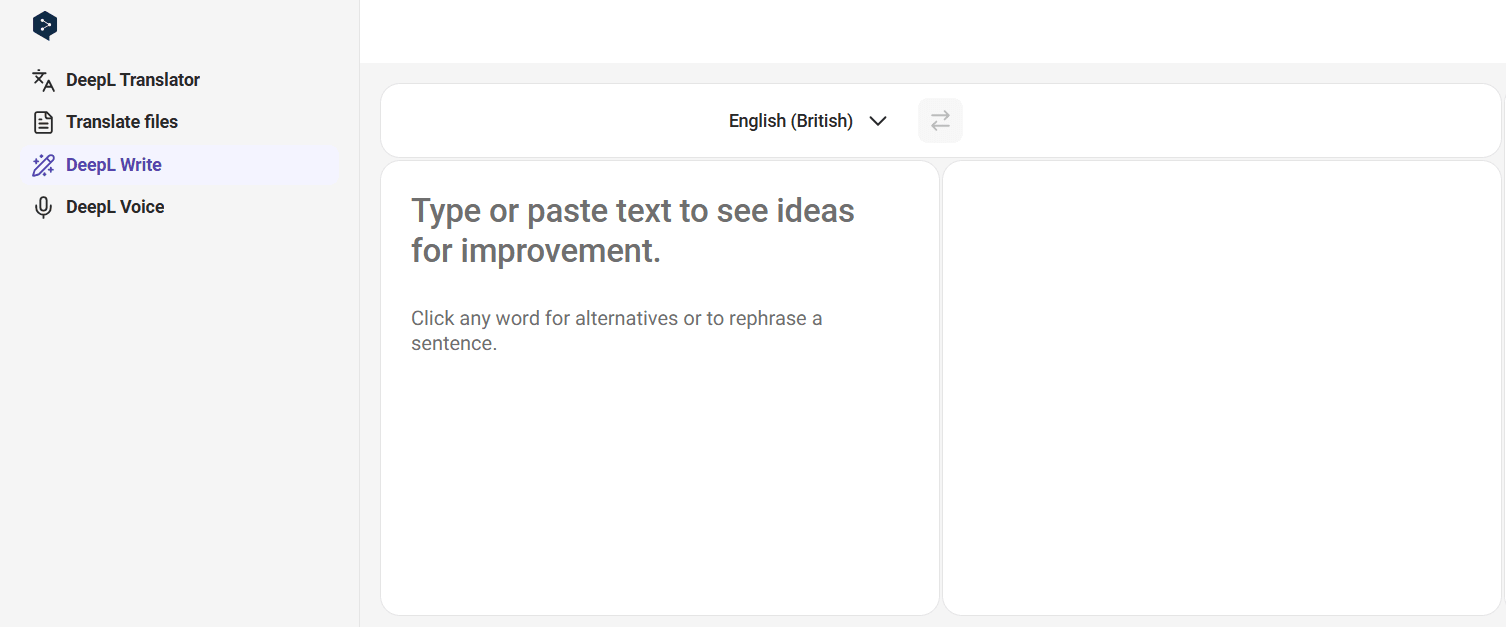
DeepL Write is a helpful tool for improving the quality of your writing. It can suggest clearer words, better phrasing, and more natural sentence structure.
It is especially useful for people who write in English as a second language. You can paste your email, blog paragraph, or message and choose a more professional, friendly, or simple version.
Useful features:
Writing improvement
Tone adjustments
Clearer sentence suggestions
Language support
Professional phrasing
Website: deepl.com/write
12. Hugging Face Spaces
Best for: Trying free AI models and experimental tools
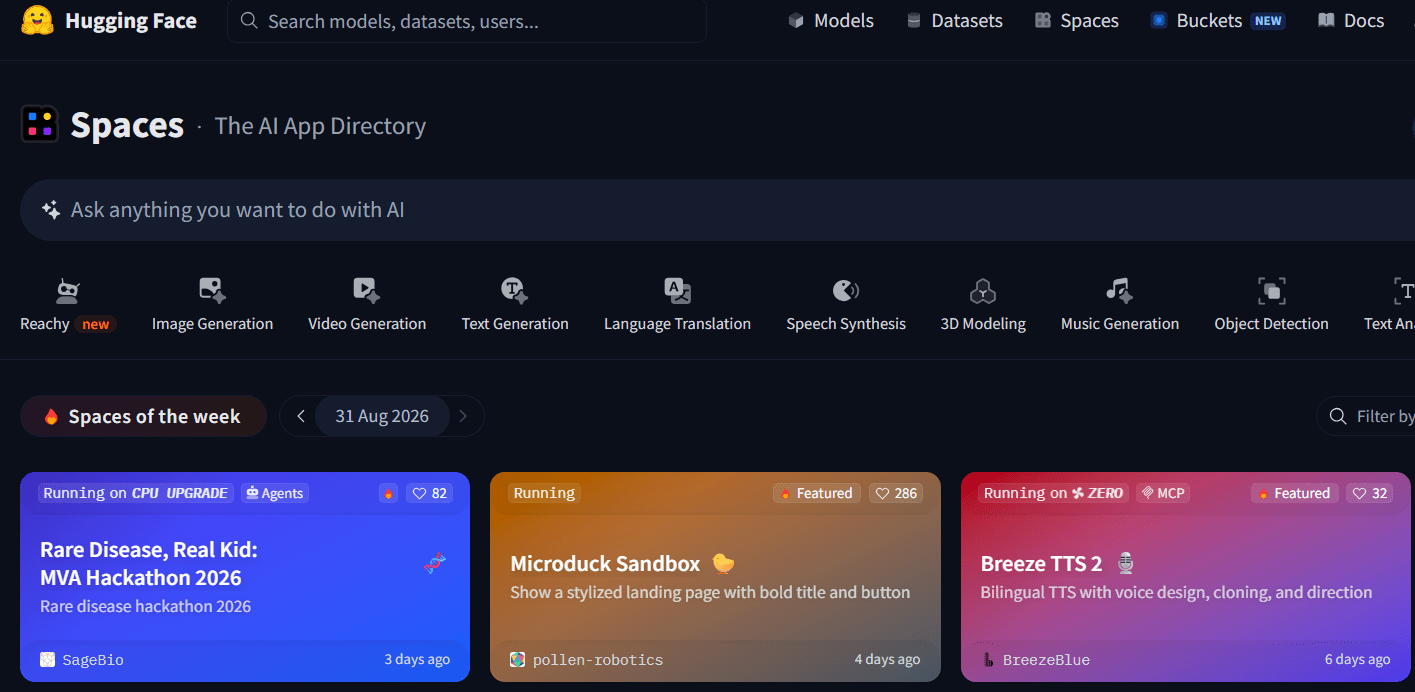
Hugging Face is a major platform for open-source AI. Its “Spaces” section contains many free tools created by developers and AI communities.
You can find tools for image generation, text-to-speech, OCR, background removal, translation, coding, audio, and more. The experience is less polished than large commercial platforms, but it gives you access to many interesting AI experiments.
Useful features:
Free community-built AI apps
Image and audio tools
Open-source models
Text and coding experiments
No single subscription required for many Spaces
Website: https://aiwedia.com/tool/ai-tools/hugging-face
13. ElevenLabs
Best for: AI voiceovers and text-to-speech
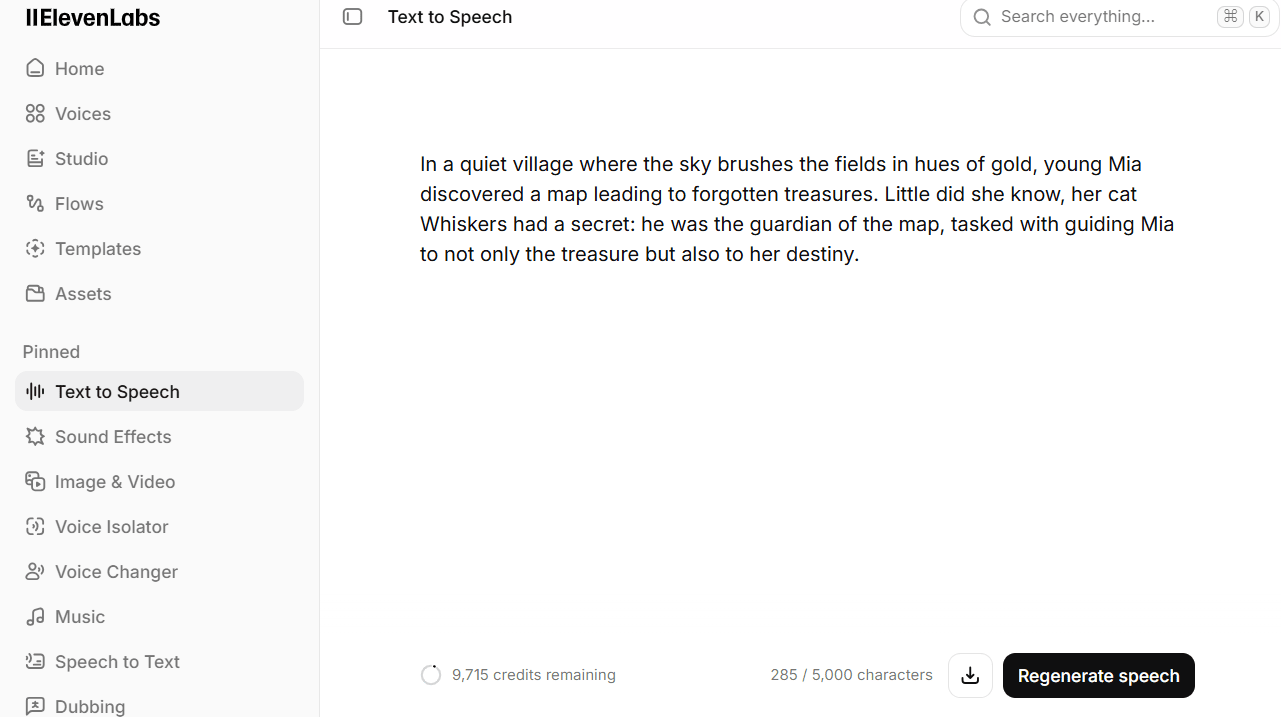
ElevenLabs is well known for realistic AI voices. Its free plan is useful for testing voiceovers for YouTube videos, short reels, presentations, product demos, and storytelling.
The free tier has a monthly usage limit, so it is better for smaller projects. Always review the platform’s usage rules before publishing commercial content.
Useful features:
Natural AI voices
Text-to-speech
Multiple voice styles
Audio for short videos
Multilingual support
Website: https://aiwedia.com/tool/ai-voice-generators/elevenlabs-voice-dir
14. CapCut
Best for: AI video editing for reels and short videos
CapCut is one of the easiest video-editing tools for creators. Its AI features can help with captions, script ideas, background editing, video templates, and quick social-media clips.
It is a strong option for YouTube Shorts, Instagram Reels, TikTok-style videos, product promotions, and educational content.
Some AI tools may have limits, but the free editor itself is useful for beginners.
Useful features:
Auto captions
Video templates
Short-form video editing
Background tools
Social-media export options
Website:https://aiwedia.com/tool/ai-video-generators/capcut-video-ai
15. Poe
Best for: Trying different AI models in one place
Poe lets users interact with multiple AI bots from a single platform. This is useful if you want to compare answers from different models instead of depending on only one chatbot.
The free plan normally provides limited daily access, but it can be helpful for experimenting with writing assistants, coding bots, and creative tools.
Useful features:
Multiple AI bots
Model comparison
Writing and coding assistance
Community-created bots
Daily free usage
Website: https://aiwedia.com/tool/ai-chatbots/poe-quora

How to Choose the Right Free AI Tool
You do not need to use all 15 tools. Start with the tools that match your work.
Your need | Best free AI tool to try |
|---|---|
Writing articles or captions | ChatGPT, Claude, Grammarly |
Research with links | Perplexity |
Study notes or PDFs | NotebookLM |
Social-media graphics | Canva Magic Studio, Adobe Express |
AI voiceover | ElevenLabs |
Reels and short videos | CapCut |
English improvement | DeepL Write, Grammarly |
Testing many AI models | Poe, Hugging Face Spaces |
Everyday productivity | Gemini, Microsoft Copilot |
Important Things to Remember Before Using Free AI Tools
Free AI tools are useful, but they are not perfect.
Check facts before publishing important information.
Do not upload passwords, banking details, private client files, or sensitive personal data.
Rewrite and add your own experience before publishing AI-generated content.
Read each platform’s commercial-use and privacy rules before using AI images, voices, or videos for business.
Expect limits. Free plans may restrict messages, exports, credits, file uploads, or premium models
Bottom Line
The best free AI tool is not always the one with the most features. It is the one that helps you finish your work faster and better.
For most beginners, start with ChatGPT for everyday tasks, Perplexity for research, Canva for visuals, Grammarly for writing improvement, and CapCut for video content. As your needs grow, you can try tools such as NotebookLM, ElevenLabs, Claude, and Hugging Face.
Use AI as a helpful assistant, not as a replacement for your own ideas, fact-checking, and creativity. That is how you create work that is useful, original, and worth sharing in 2026.
You can also explore more options in this https://aiwedia.com/category/ai-tools