Best AI Tools in the USA in 2026: Top Picks for Businesses & Creators
Discover the best AI tools in the USA in 2026 for businesses, enterprises, creators, marketers, developers, and professionals. Compare top AI tools by use case.
Best AI Tools in the USA in 2026: Top Picks for Businesses & Creators
Artificial intelligence is no longer only for large technology companies. In 2026, small businesses, freelancers, marketing teams, developers, students, and content creators across the USA are using AI tools to save time and improve their work.
AI can help write content, answer customer questions, design social media posts, edit videos, analyze documents, build websites, write code, and automate repetitive tasks.
But with hundreds of AI tools available, choosing the right one can feel confusing.
This guide covers some of the best AI tools for businesses and creators in the USA in 2026. Each tool has a different strength, so the best choice depends on what you want to achieve.
Quick List: Best AI Tools in the USA
AI Tool | Best For | Ideal Users |
|---|---|---|
ChatGPT | Writing, coding, research, and everyday work | Businesses, students, creators, developers |
Google Gemini | Google Workspace productivity | Teams using Gmail, Docs, Drive, and Sheets |
Claude | Long documents and thoughtful writing | Writers, researchers, business teams |
Perplexity | AI-powered search and research | Students, marketers, researchers |
Canva AI | Design and social media graphics | Small businesses and creators |
Midjourney | High-quality AI images | Designers, artists, marketers |
Runway | AI video creation and editing | Video creators and agencies |
Notion AI | Notes, documentation, and planning | Startups, teams, and freelancers |
Zapier AI | Workflow automation | Businesses and operations teams |
GitHub Copilot | Coding assistance | Developers and software teams |
1. ChatGPT – Best Overall AI Tool
ChatGPT is one of the most widely used AI tools in the USA. It can help with many different tasks, including writing, coding, brainstorming, document analysis, learning, image generation, and business planning.
For businesses, ChatGPT can help create email drafts, product descriptions, customer support replies, meeting summaries, and marketing ideas.
For creators, it can help write YouTube scripts, blog outlines, Instagram captions, video ideas, and newsletter content.
Developers can also use ChatGPT to understand errors, generate code examples, improve APIs, and plan software projects.
Best features
Content writing and editing
Coding and debugging support
File and document analysis
Brainstorming for business ideas
Custom AI assistants for specific tasks
Image creation in supported plans
Best for
Businesses, bloggers, developers, students, marketers, and freelancers.
2. Google Gemini – Best for Google Workspace Users
Google Gemini is a strong option for people and businesses already using Google services. It can be useful inside Gmail, Google Docs, Google Drive, Sheets, and other Google tools.
For example, a business team can use Gemini to summarize long documents, prepare email replies, create meeting notes, organize information, or generate ideas for presentations.
It is especially useful for companies that already manage their work through Google Workspace.
Best features
Helpful integration with Google apps
Email drafting and document summaries
Research assistance
Support for Google Drive workflows
Useful for Android and Google ecosystem users
Best for
Companies, remote teams, educators, and professionals who use Gmail, Docs, Drive, and Sheets daily.
3. Claude – Best for Long-Form Writing and Documents
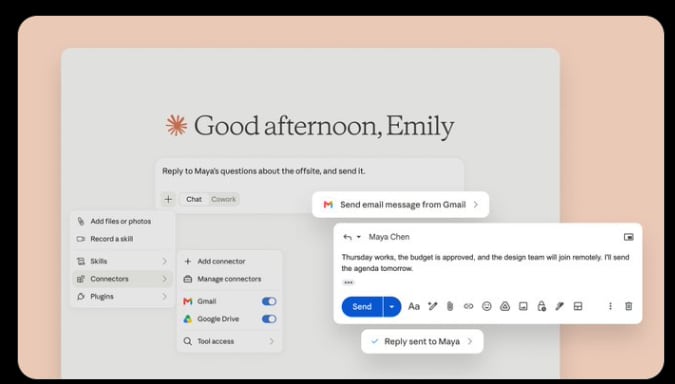
Claude is popular for its clear writing style and ability to work with long text. It can be helpful when you need to summarize reports, review documents, rewrite content, or organize complex information.
Many writers and professionals use Claude when they want a calm, structured, and detailed response. It is useful for business reports, policies, research notes, manuals, and long articles.
Best features
Long document summaries
Clear and professional writing
Content rewriting
Research organization
Brainstorming and planning
Best for
Writers, researchers, consultants, legal teams, and businesses working with large documents.
4. Perplexity – Best for AI Research
Perplexity is an AI search tool that helps users find information quickly. It is especially useful when you want a short answer with sources to explore further.
Instead of opening many search results, you can ask a question and get a summarized answer. This can save time for market research, content research, competitor analysis, and learning about new topics.
However, you should still check the original sources before using important facts in your business decisions or published content.
Best features
Fast AI-powered search
Research summaries
Source-based answers
Topic comparisons
Useful for current information
Best for
Students, bloggers, marketers, journalists, researchers, and business owners.
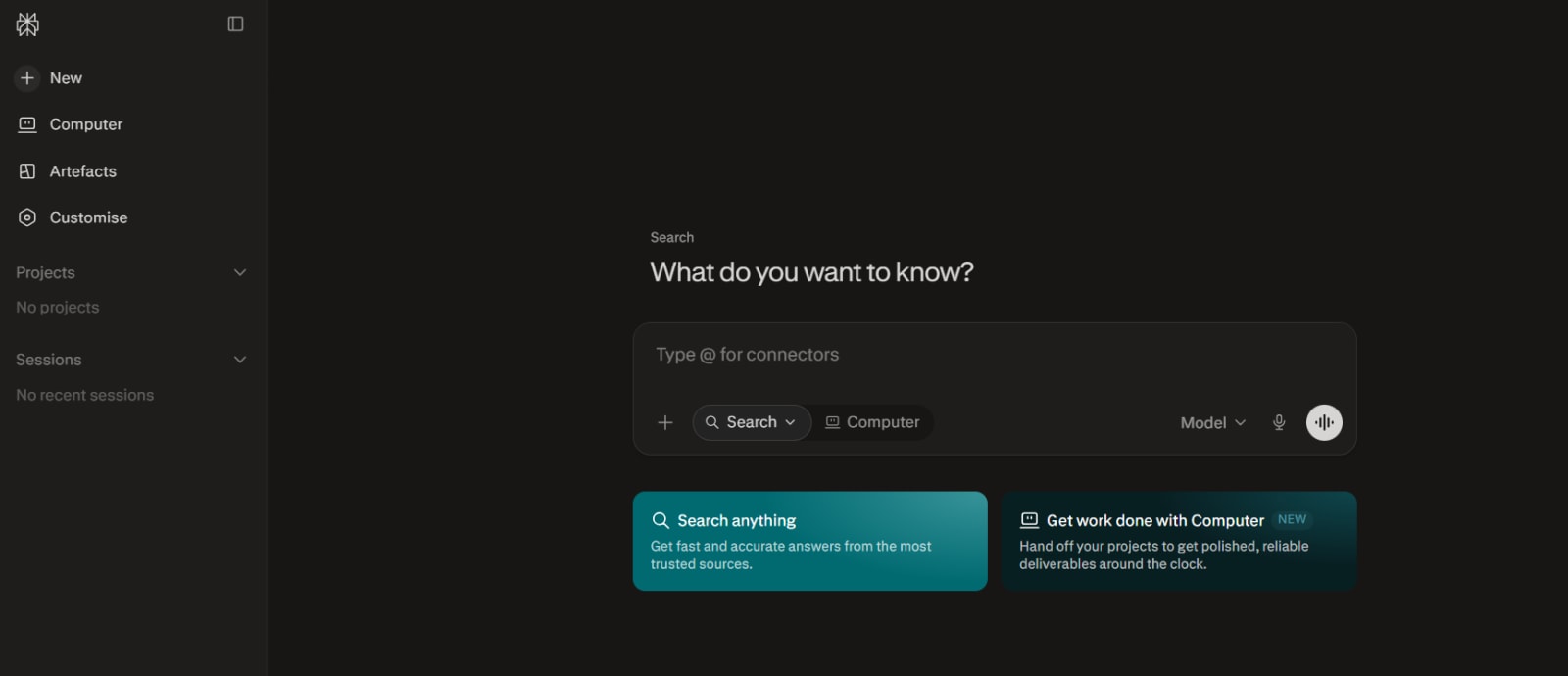
5. Canva AI – Best for Social Media Design
Canva is already one of the easiest design platforms for beginners. Its AI features make it even more useful for small businesses and creators.
You can create social media graphics, presentations, posters, thumbnails, flyers, advertisements, and simple brand designs without needing advanced design skills.
Canva AI can help generate design ideas, write captions, remove backgrounds, resize content, and create visuals more quickly.
Best features
Social media post creation
Presentation and flyer templates
AI image tools
Background removal
Brand kit support
Easy drag-and-drop editor
Best for
Small businesses, social media managers, YouTubers, bloggers, and local brands.
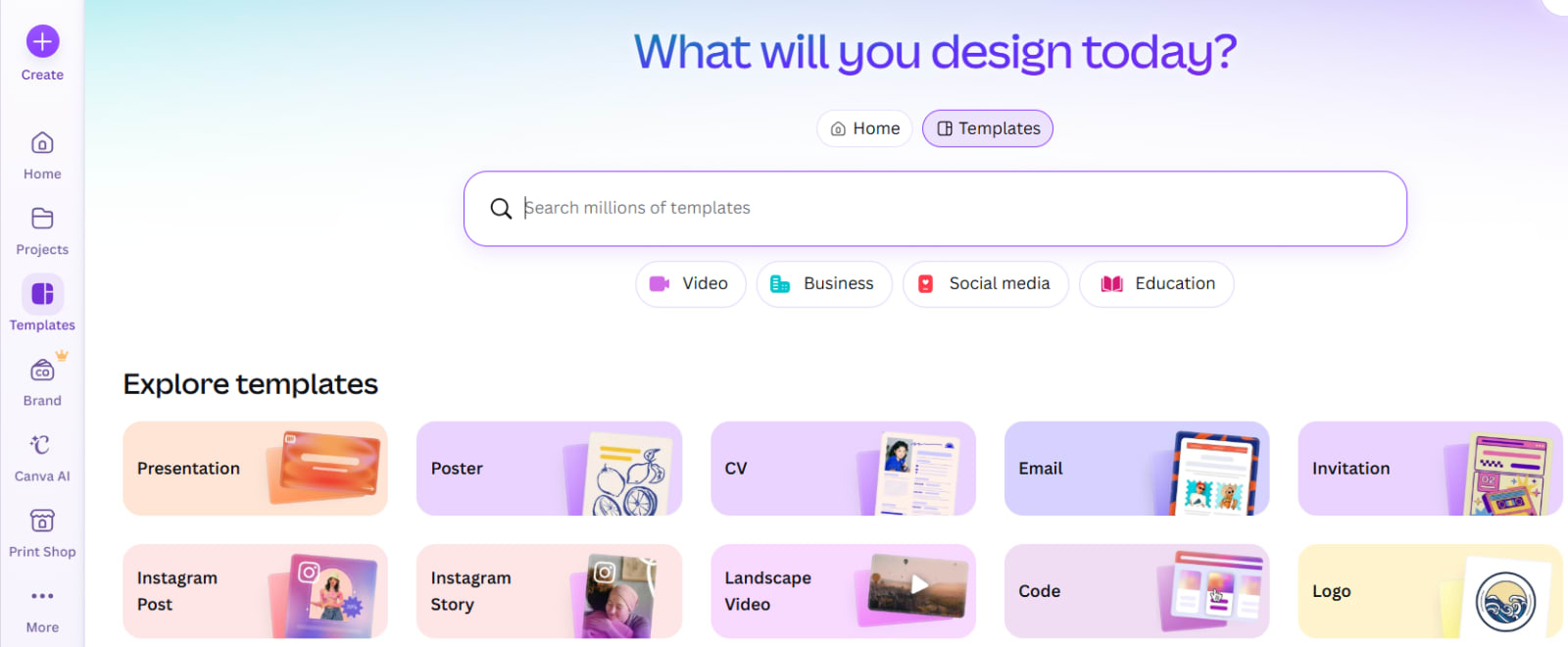
6. Midjourney – Best for Creative AI Images
Midjourney is known for creating detailed and artistic AI images from text prompts. It is popular among designers, creators, marketers, and people who need unique visuals.
You can use it to create concept art, blog featured images, fantasy scenes, product ideas, poster designs, and creative marketing visuals.
The quality of the final image depends on how clearly you write your prompt. A detailed prompt usually produces a better result.
Best features
High-quality artistic images
Creative style options
Concept art generation
Marketing visual ideas
Unique image creation
Best for
Designers, digital artists, content creators, agencies, and marketing teams.
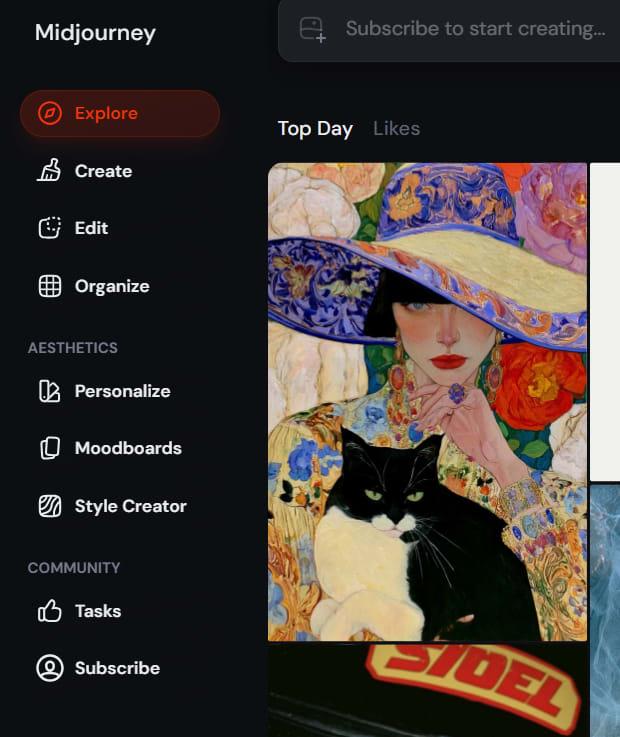
7. Runway – Best for AI Video Creation
Video content continues to grow in the USA, especially for YouTube, TikTok, Instagram Reels, product marketing, and online courses.
Runway is an AI video tool that can help creators make and edit videos faster. It can be used for video effects, background changes, text-to-video experiments, visual storytelling, and creative editing.
It can be useful for creators who want to produce more video content without needing a large production team.
Best features
AI-assisted video editing
Video effects and background tools
Creative video generation
Faster content production
Useful for short-form video ideas
Best for
YouTubers, video editors, agencies, social media creators, and marketing teams.
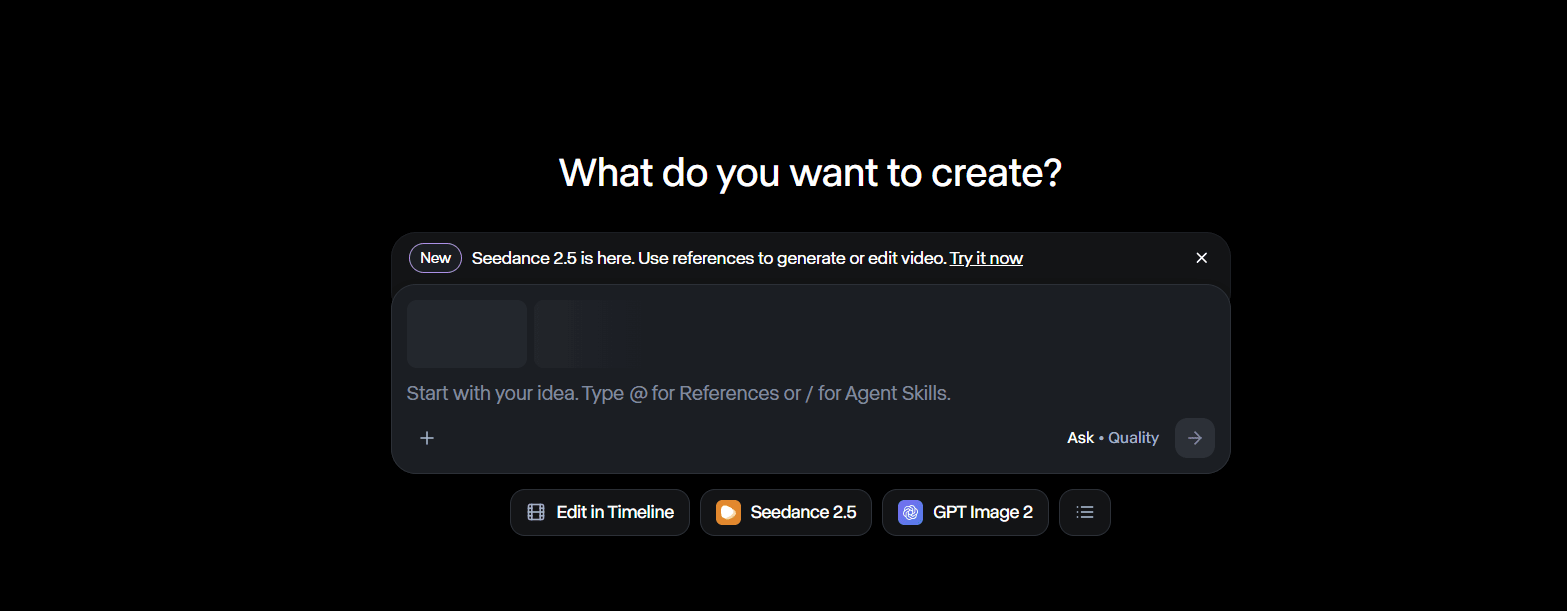
8. Notion AI – Best for Team Knowledge and Planning
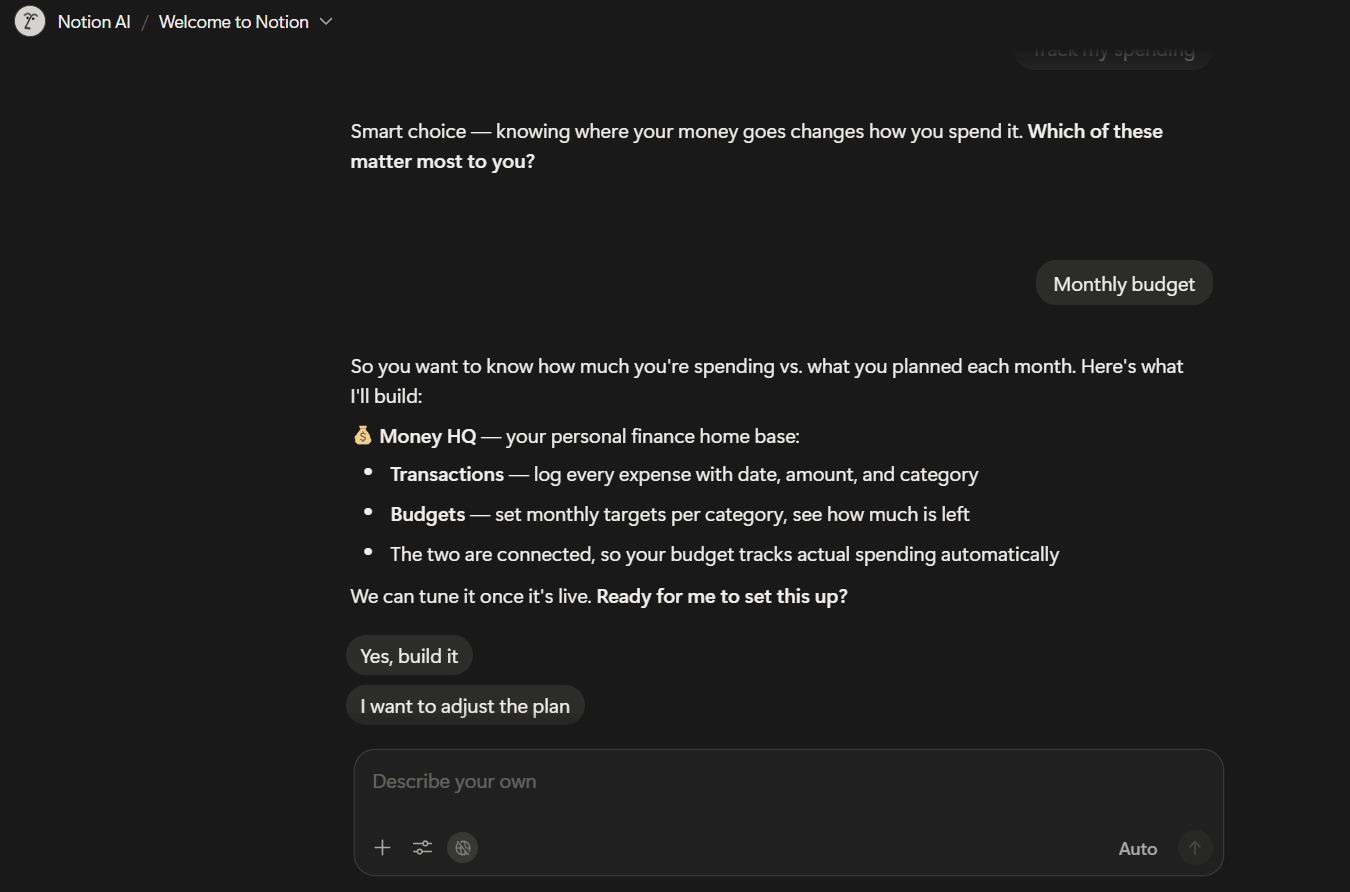
Notion AI is useful for businesses that need one place for notes, tasks, documentation, content calendars, and project planning.
Teams can use Notion AI to summarize meeting notes, create task lists, write project briefs, organize company knowledge, and generate first drafts.
For freelancers and creators, it can also be useful for managing content schedules, client work, personal goals, and ideas.
Best features
Meeting-note summaries
Task and project planning
Content calendar support
Documentation writing
Team knowledge organization
Simple workspace management
Best for
Startups, remote teams, agencies, freelancers, and content creators.
9. Zapier AI – Best for Business Automation
Many businesses lose time doing repetitive work such as copying leads, sending follow-up emails, updating spreadsheets, and moving data between apps.
Zapier helps connect different software tools and automate workflows. Its AI features can make automation easier to set up and understand.
For example, a business can automatically send a lead from a website form to a CRM, add the contact to a mailing list, and notify the sales team.
Best features
Connects many business applications
Automates repetitive tasks
Lead-management workflows
Email and CRM automation
Saves time for operations teams
Best for
Small businesses, e-commerce stores, agencies, sales teams, and operations teams.
10. GitHub Copilot – Best AI Tool for Developers
GitHub Copilot is an AI coding assistant built for developers. It can suggest code while you work, explain functions, help write tests, and speed up repetitive programming tasks.
It does not replace developer knowledge, but it can reduce time spent on boilerplate code and common programming problems.
Developers should always review the code before using it in production. AI-generated code can contain mistakes, security issues, or logic problems.
Best features
Code suggestions
Function and test generation
Faster development workflow
Support for many programming languages
Helpful inside coding environments
Best for
Software developers, web developers, engineering teams, and students learning programming.
How Businesses in the USA Can Use AI Tools
AI tools are useful when they solve a real business problem. Instead of subscribing to many platforms, start with one or two tools that match your daily work.
Here are some practical examples:
A local business can use ChatGPT for email replies and Canva AI for social media posts.
A marketing agency can use Perplexity for research, ChatGPT for content drafts, and Runway for video ideas.
A software startup can use GitHub Copilot for development and Notion AI for internal documentation.
An e-commerce store can use AI for product descriptions, customer support drafts, ad copy, and image ideas.
A remote team can use Gemini or Notion AI to summarize meetings and organize tasks.
The goal is not to use AI everywhere. The goal is to reduce repetitive work while keeping human review and decision-making in control.
How Creators Can Use AI Tools
Creators can use AI to speed up their workflow, but they should still keep their own voice and personality.
A blogger can use AI to find article ideas, create an outline, improve grammar, and write FAQs. A YouTuber can use AI for video scripts, title ideas, thumbnail concepts, and short-video captions.
A good content workflow could look like this:
Use Perplexity or Google search for initial research.
Use ChatGPT or Claude to create an outline.
Add your own experience, examples, opinions, and screenshots.
Use Canva or Midjourney for visuals.
Review all facts before publishing.
This approach helps you create faster without publishing generic or inaccurate content.
Things to Check Before Choosing an AI Tool
Before paying for an AI tool, consider these questions:
What task will it save time on every week?
Does it work with the tools you already use?
Is the output accurate enough for your work?
Can your team review and edit the result?
Does the pricing fit your budget?
How does the company handle data and privacy?
Does the tool offer a free trial or free plan?
Do not choose a tool only because it is popular. Choose the one that fits your workflow.
Bottom Line
The best AI tools in the USA in 2026 are not necessarily the ones with the most features. They are the tools that help you create better work, save time, and stay focused on important decisions.
ChatGPT is a strong all-purpose option for writing, coding, learning, and business tasks. Gemini is a great choice for Google Workspace users. Canva and Midjourney help creators make visuals, while Runway supports video production. Notion AI and Zapier can help businesses organize and automate work.
Start small. Test one AI tool with a real task from your business or creative workflow. If it saves time and improves the result, then it is worth keeping.